> For the complete documentation index, see [llms.txt](https://docs.rivalz.ai/llms.txt). Markdown versions of documentation pages are available by appending `.md` to page URLs; this page is available as [Markdown](https://docs.rivalz.ai/public-znode-sale/how-to-purchase-a-znode.md).
# How to Purchase a zNode?
## **Step-by-Step Purchase Process:**
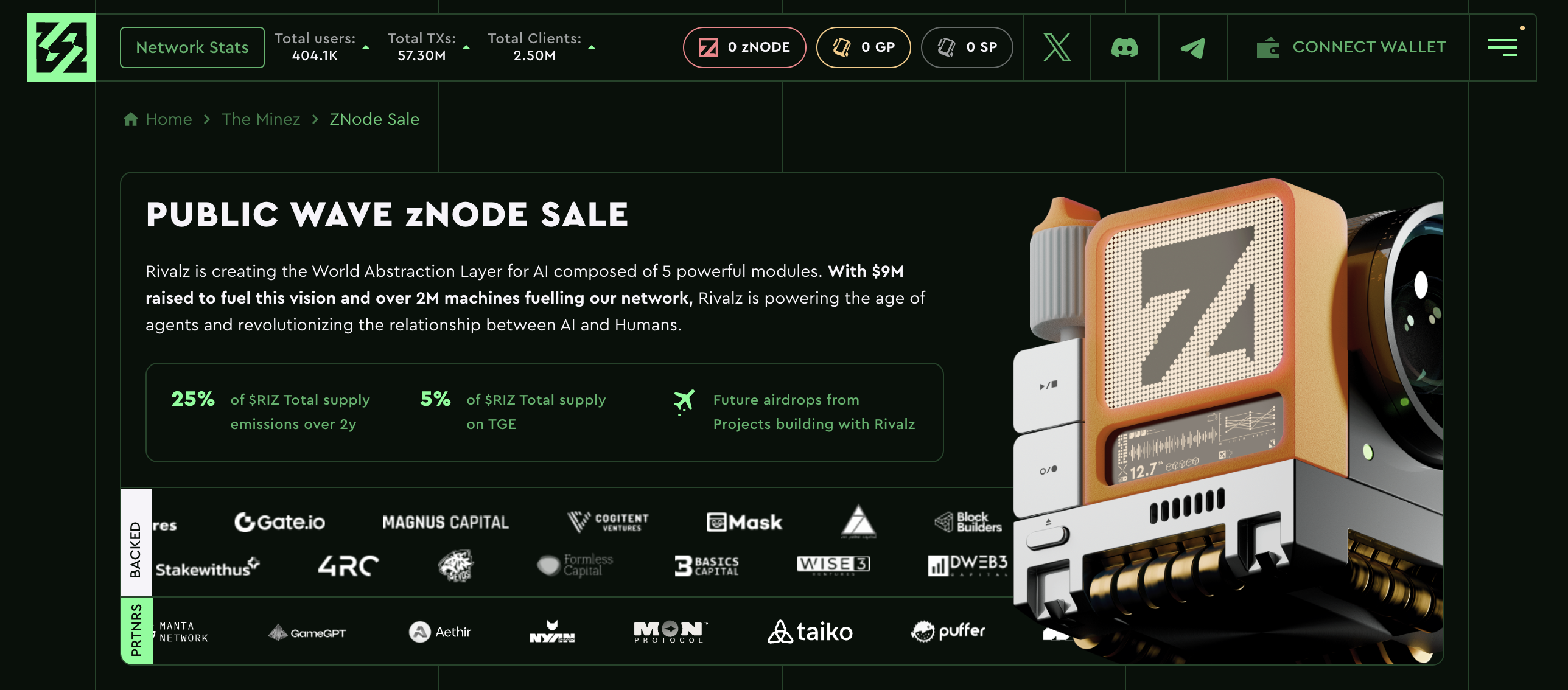
## **Step 1: Go to** [**Rivalz zNode Sale**](https://rivalz.ai/znode-sale) **and Connect Your Wallet**
zNode Sale
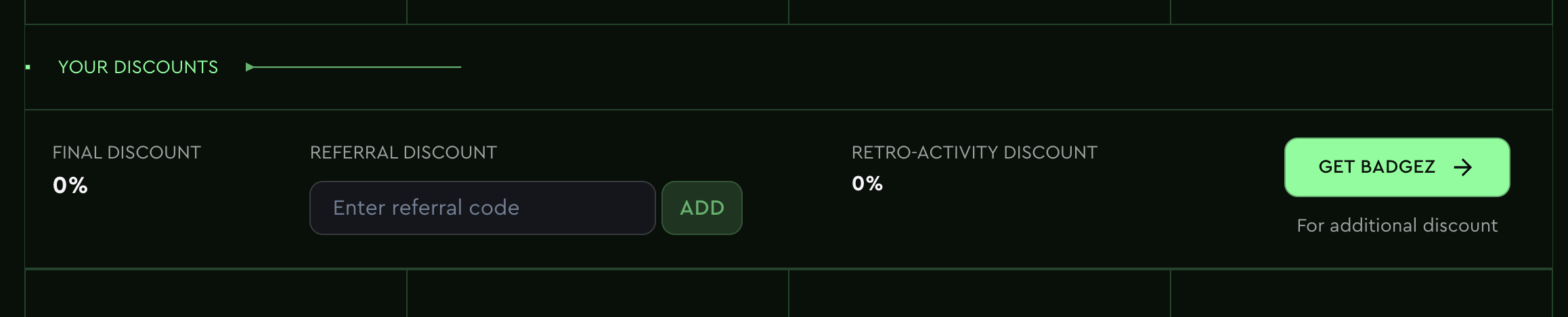
### **Step 2: View Discounts (Optional)**
You can see all applicable discounts at the zNode sale page:
* **Final Discount** – general discount applied automatically.
* **Referral Discount** – enter a referral code to apply additional discounts.
* **Retro-Activity Discount (Intel Discount)** – if applicable, will also be visible.
Learn more about Discounts [***here***](/public-znode-sale/discounts-referrals-and-goldpass.md#discounts).
### **Step 3: Enter Referral Code (Optional)**
To get an additional discount, enter a valid **referral code** in the provided field and click **"ADD"** to apply it before proceeding with the purchase. If you use someone's referral link, the code will be automatically applied.
Enter Referral Code
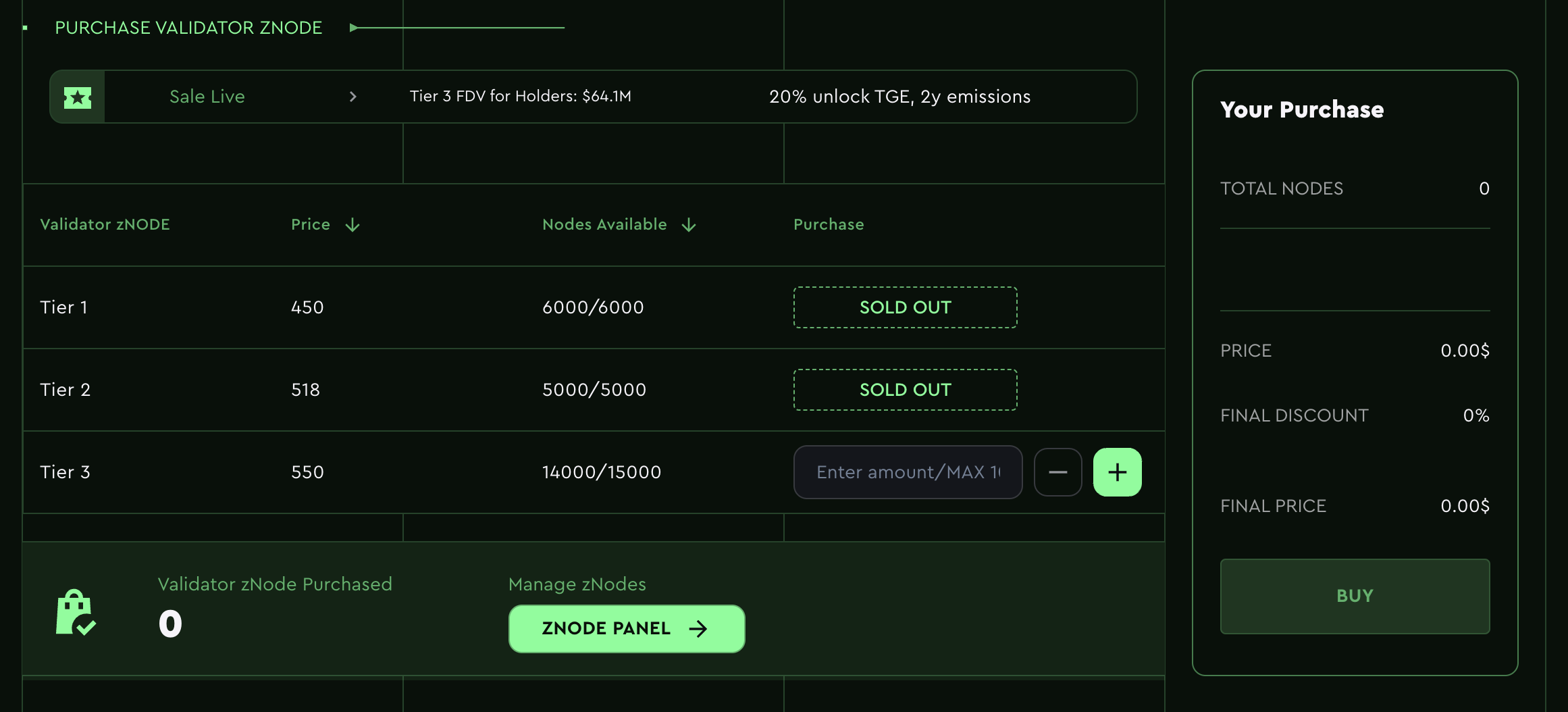
### **Step 4: Choose Node Amount**
You can choose only from **Tier 3** as **Tier 1** and **Tier 2** nodes are **sold out**.
**Tier 3** nodes are priced at **$550**, and there are in total **15,000 Tier 3 nodes available for purchase**.
Simply enter the quantity of **Tier 3** zNodes you want to purchase in the provided field.
Choose Amount
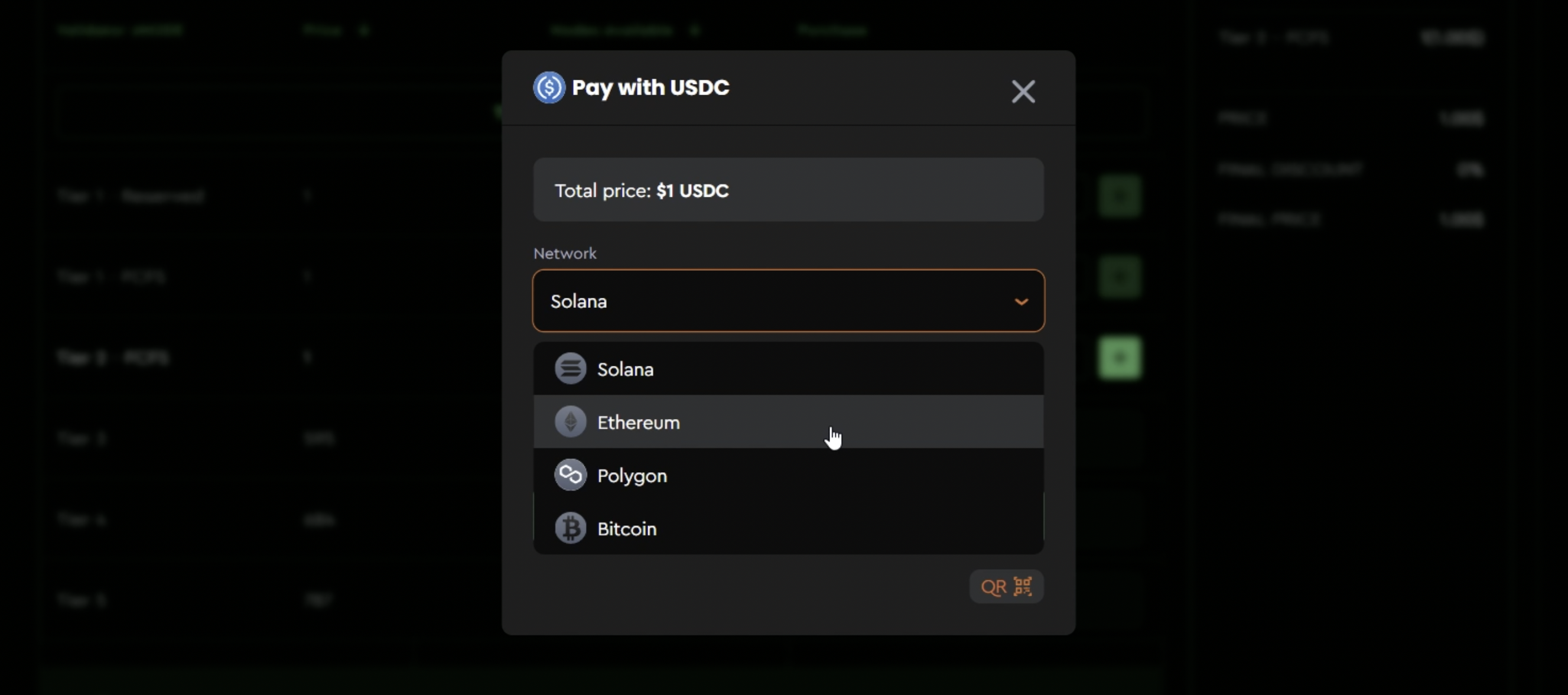
### **Step 5: Initiate Payment**
Choose Network and Token for payment
After confirming all the details of your purchase, click the **"Buy"** button to proceed to payment.
Users can choose from several payment options covering multiple blockchains and tokens:
* **Arbitrum**: USDC, USDT
* **Ethereum**: USDC, USDT, ETH
* **Polygon**: USDC, USDC.e, USDT, POL
* **Solana**: USDC, USDT, SOL
* **Bitcoin**: BTC
### **Step 6: Approve Transaction & Complete Purchase**
Approve the transaction in your wallet and complete the purchase.
Once your purchase is successful, you will receive a notification on the website confirming your purchase.
### **Step 7: Email Notification**
After your purchase is complete, you will also receive an email notification detailing the successful purchase and other relevant information.
## **Referral Program:**
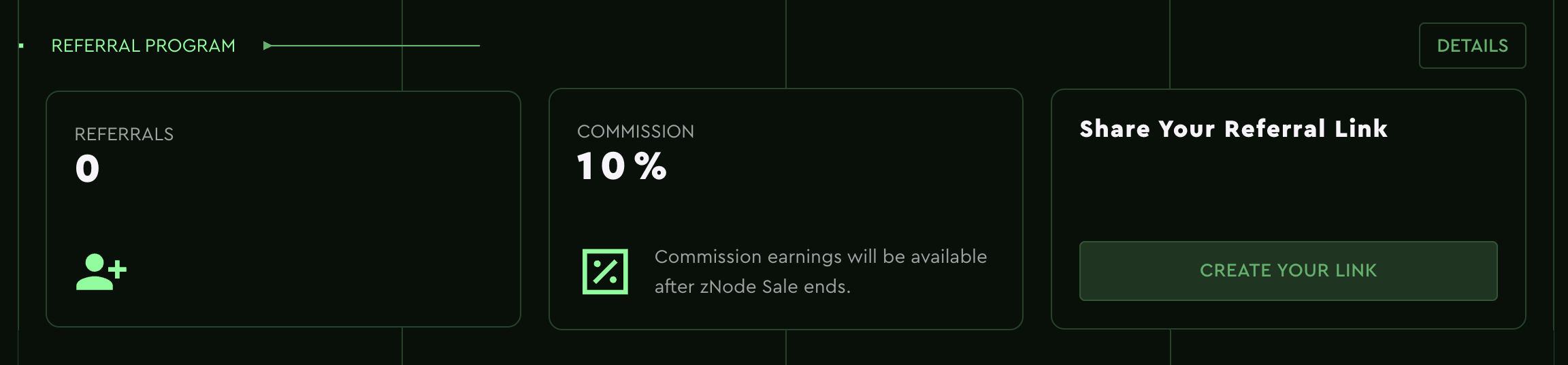
Don’t forget to share your referral link! You can earn **10% commission** after the zNode sale ends for every successful referral. Head to the [**Rivalz Referral Program**](https://rivalz.ai/referral-program) to create your code!
Referral Program
{% hint style="info" %}
Please Note: The visuals provided are for **representational purposes only** and may not reflect the exact details of the actual sale. Please refer to the actual sale page for the most up-to-date information.
{% endhint %}